
Microsoft Entra ID (formerly Azure Active Directory) is Microsoft’s cloud-based identity and access management (IAM) service. It provides authentication, authorization, and identity governance for users, applications, and devices accessing Microsoft 365, Azure, and third-party cloud services.
At its core, Entra ID verifies who the user is and what they are allowed to access, forming the foundation of Zero Trust security.
Architecture Overview

Prerequisites
-
Microsoft Entra ID tenant
-
Global Administrator or Conditional Access Administrator role
-
Test user account
-
Emergency (break-glass) admin account
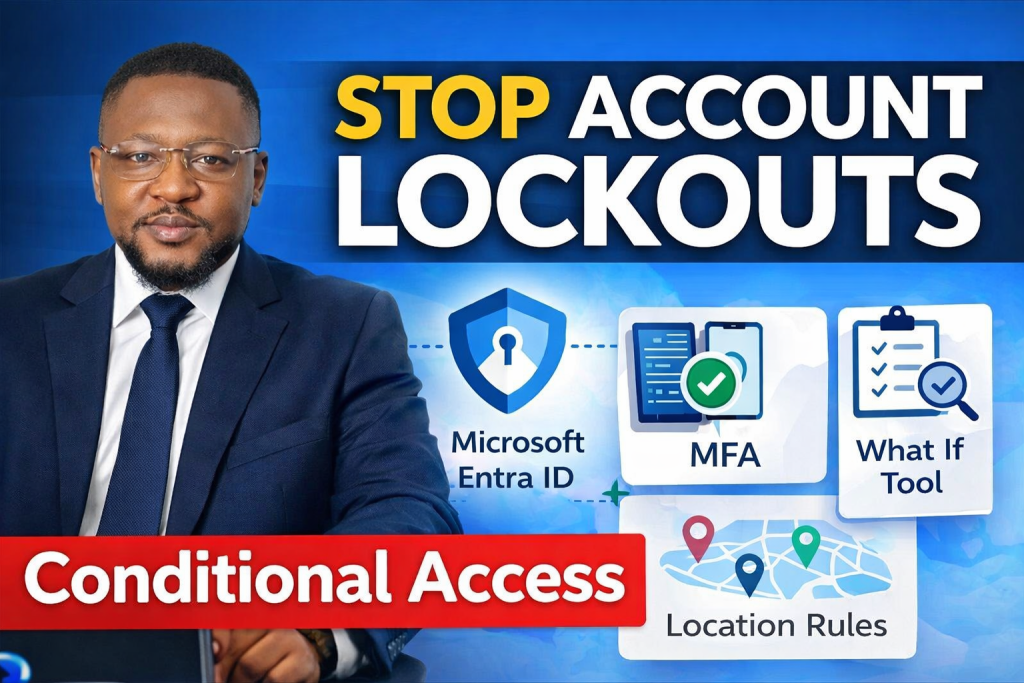
I created a walkthrough video showing how to build and test key Conditional Access policies in Microsoft Entra:
- Require MFA for all users: protecting every account with multi-factor authentication.
- Restrict access by location: allowing sign-ins only from trusted regions.
- Use the What If tool: this simulates policies safely before enforcement to prevent lockouts.
 Video Walkthrough
Understanding Microsoft Entra Conditional Access
-
What Conditional Access is
-
Conditions vs controls explained
-
Why policies should be layered
Conditional Access
Conditional Access is a policy-based access control engine within Microsoft Entra ID that evaluates sign-in requests in real time and enforces security controls based on conditions.
Instead of relying solely on passwords, Conditional Access considers multiple signals such as:
-
User identity
-
Device state
-
Location
-
Risk level
-
Application being accessed
Conditions vs Controls Explained
Conditional Access policies are built using two key components: conditions and controls.
Conditions
Conditions define when a policy should apply. They describe the context of a sign‑in attempt, such as
- User or group attempting to sign in
- Application being accessed
- Location of the sign‑in
- Device platform or compliance state
- Risk level detected by Microsoft Entra ID Protection
Conditions act as filters. When the conditions match the sign‑in scenario, the policy becomes active.
Controls
Controls define what action should be taken when conditions are met. They specify the enforcement decision, such as:
- Require multi‑factor authentication (MFA)
- Require a compliant or hybrid‑joined device
- Require passwordless authentication
- Block access entirely
Controls are the security requirements that must be satisfied before access is granted.
In simple terms: Conditions decide when a policy applies. Controls decide what must happen next.
Why Policies Should Be Layered
Layering Conditional Access policies ensures that your environment remains secure, resilient, and adaptable to different risk scenarios. Instead of relying on a single, broad policy, layered policies allow you to:
- Apply different protections to different user groups (e.g., stricter rules for admins, lighter rules for standard users)
- Combine multiple security requirements (e.g., MFA + compliant device + trusted location)
- Reduce the blast radius of misconfigurations A single overly strict policy can lock out an entire tenant. Layered policies minimize this risk.
- Support Zero Trust principles Each layer adds a checkpoint that verifies identity, device health, and context.
- Improve operational flexibility You can adjust one layer (e.g., location rules) without affecting others (e.g., MFA enforcement).
Layered policies create a structured, defense‑in‑depth approach that protects identities and resources without overwhelming users or administrators.
Multi-Factor Authentication (MFA)
Multi-factor authentication requires users to provide two or more verification factors, typically:
-
Something you know (password)
-
Something you have (phone, authenticator app)
-
Something you are (biometrics)
MFA significantly reduces the risk of account compromise caused by stolen credentials.
What If Tool
The What If tool allows administrators to simulate Conditional Access policy evaluation without affecting real users.
By providing hypothetical sign-in details, admins can see:
-
Which policies apply
-
What controls would be enforced
-
Whether access would be granted or blocked
Real-World Security Scenarios
-
MFA enforcement for remote users
-
Location-based access for admins
-
Insider threat mitigation
Key Takeaway
- Always exclude emergency “break-glass” admin accounts.
- Start with ‘Report-only’ mode or pilot groups before going tenant-wide.
- Use the What If tool to validate against risk signals (user risk, sign-in risk, insider risk, device state, and authentication flows).